
One continuous workflow
Calibrate, stack, solve, restore, colour and finish without moving between disconnected applications.
One studio. Every photon. Free.
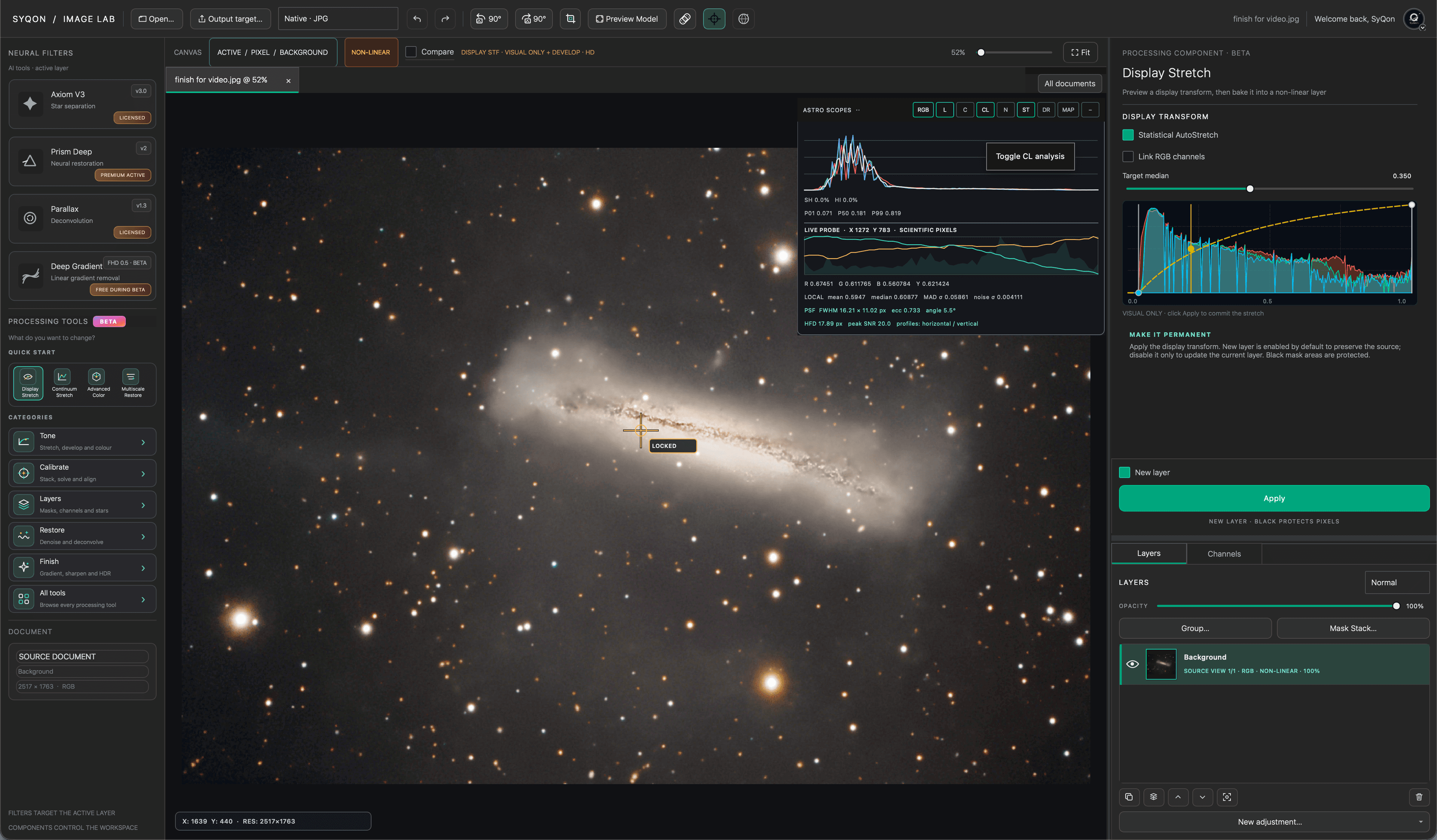
SyQon Studio brings the complete image journey into one coherent environment—from calibrated frames to a layered, colour-managed final image.
Calibrate, stack, solve, restore, colour and finish without moving between disconnected applications.
Layers, masks, previews, undo history and the SYQ Timeline keep every important decision visible and reversible.
SyQon neural models run on your machine. Your astronomical images are not uploaded for inference.
Build with layers. Protect with masks. Compare before and after. Move backwards through time without flattening your thinking.
A visible processing graph that records the path from source to present.
Gradient, radial, brush, star and luminance-aware protection in context.
Opacity, blending, groups and reusable derived layers without losing the original.
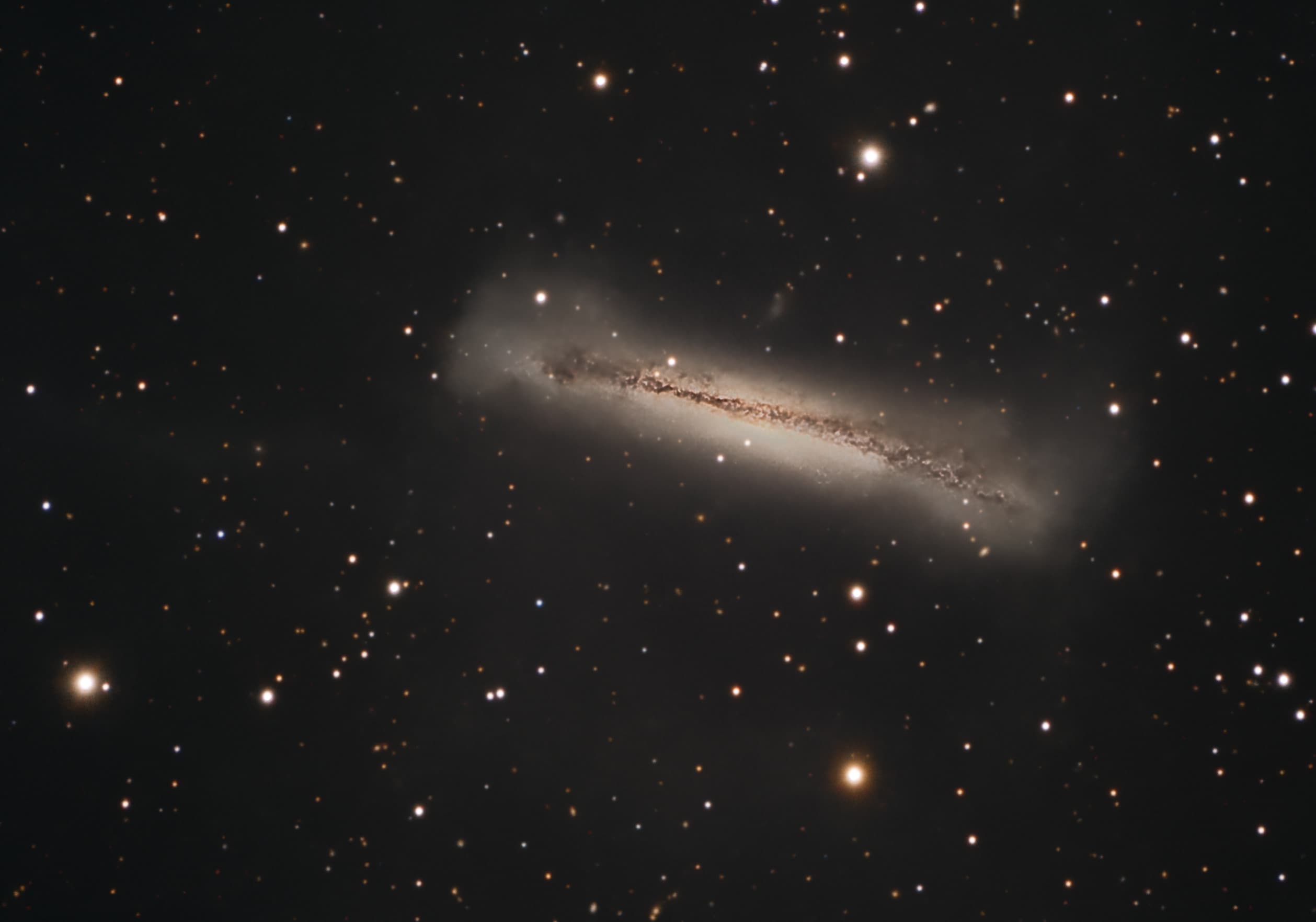
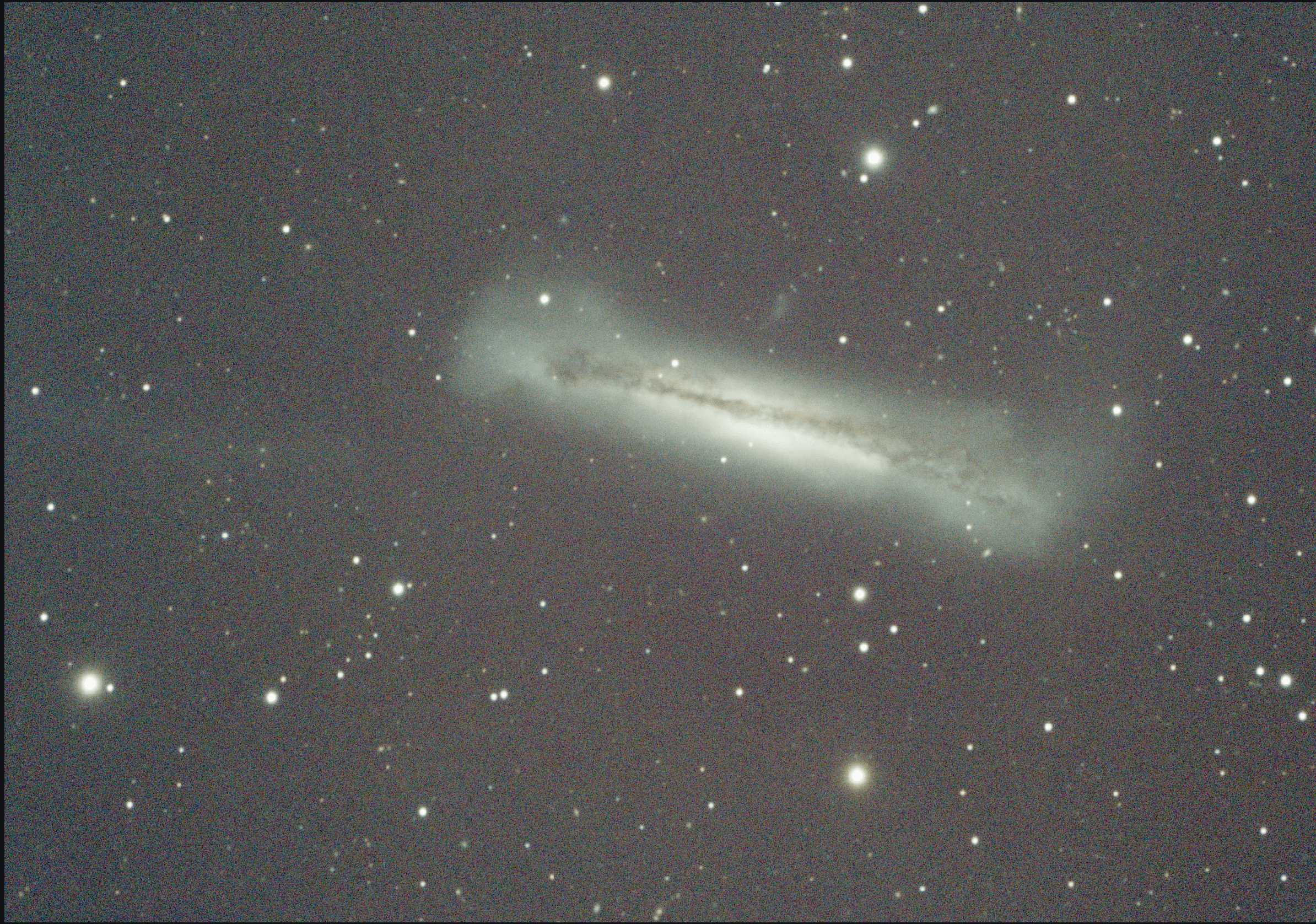
Every stage lives inside the same document system. You can move from measurement to creative finishing without exporting intermediate files or rebuilding context in another application.
Bias, dark, flat and dark-flat workflows with reusable masters and traceable acquisition groups.
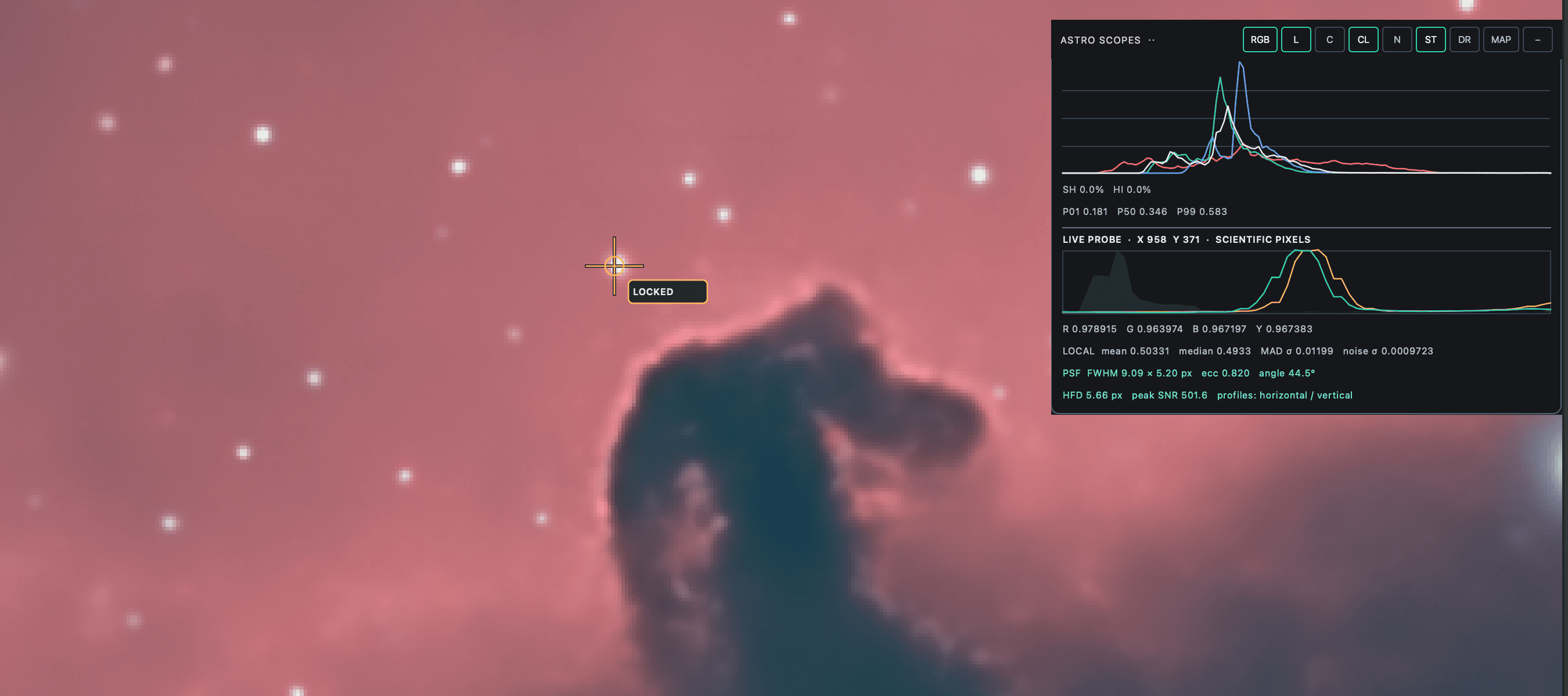
Inspect FWHM, eccentricity, background, noise, quality, star count and integration weight before stacking.
Robust star registration, rejection, drizzle, weighted integration and resumable processing sessions.
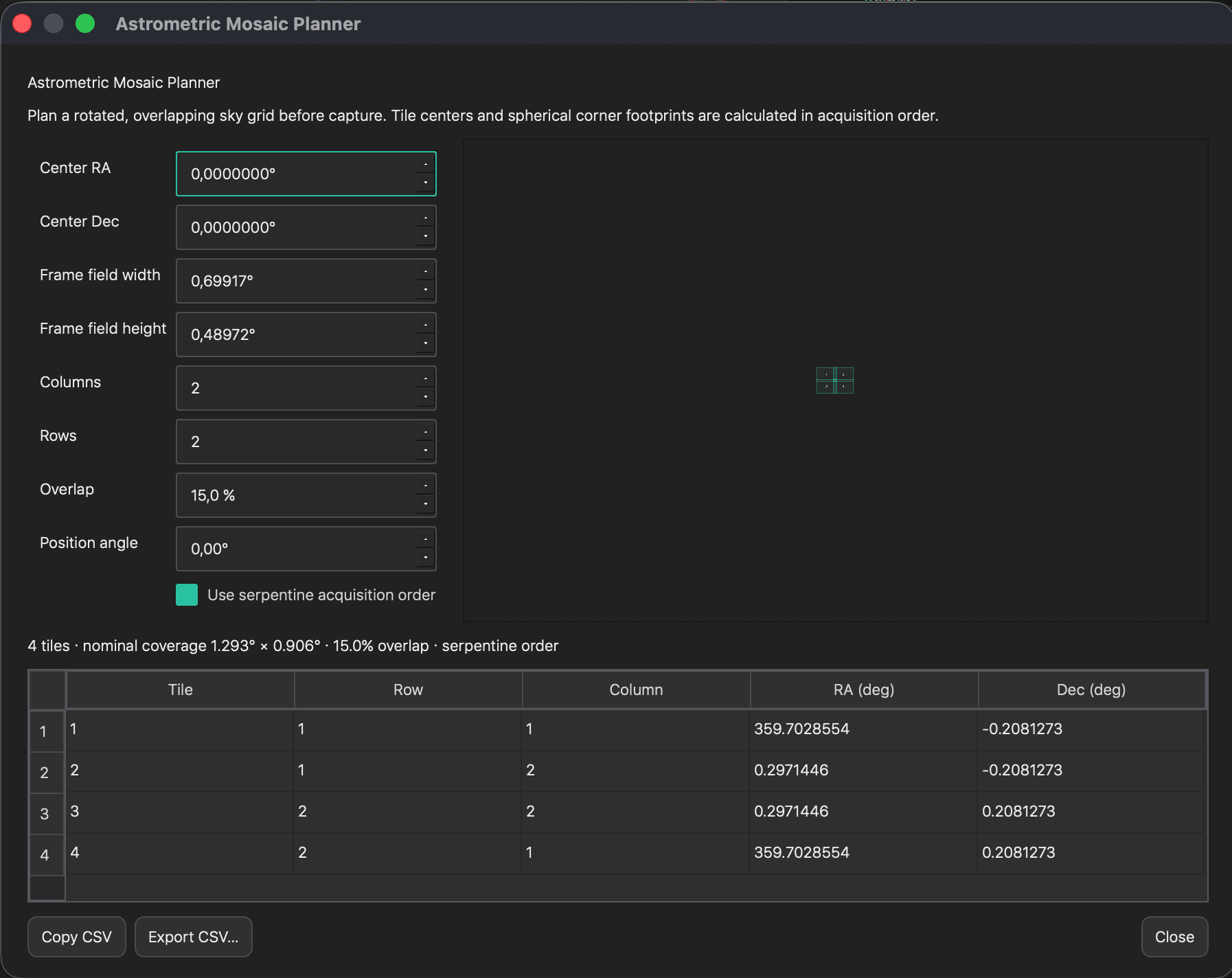
Global overlap optimisation, common geometry, multi-panel integration and coverage-aware final canvases.
ASTAP solving and WCS metadata work locally with managed high-density astronomical catalogues.
Gaia XP spectrophotometric calibration, channel composition and colour-managed display and export.
Pixel, component, channel and mask layers with groups, opacity, blending and independent visibility.
Brush, gradient, radial, range, luminance and star masks designed directly over the image.
A coherent catalogue for stretch, colour, restoration, gradients, structure, stars and finishing.
Undo, comparison states and the SYQ graph preserve intent while you explore alternative processing paths.
Scientific linear data or presentation-ready imagery with ICC-aware sRGB conversion and controlled dithering.
The application, neural weights and catalogues update independently, securely and only when required.
A complete scientific preprocessing and integration environment for single-filter sessions, multi-band acquisitions, wide-field mosaics and moving targets.
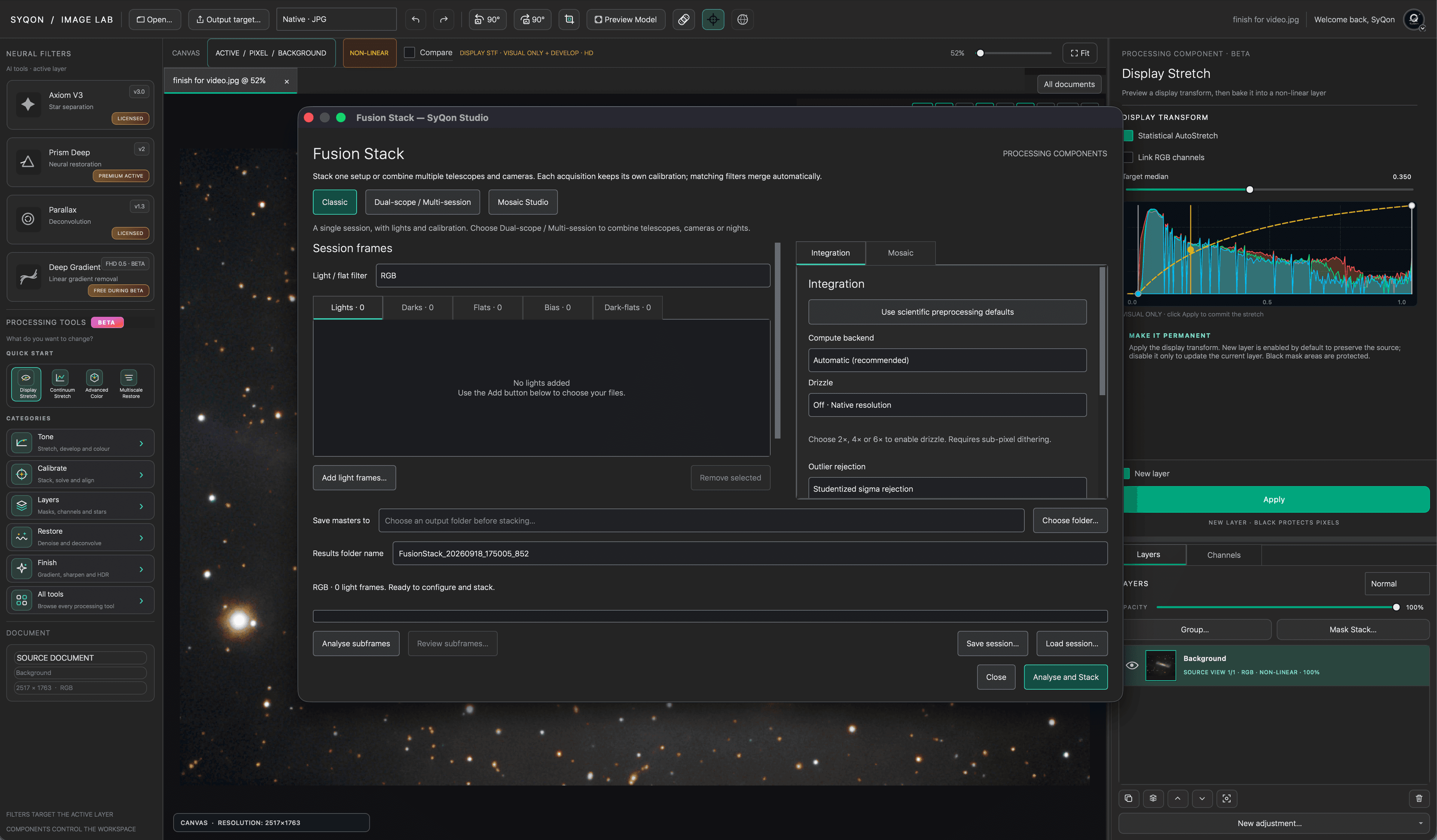
Build classic, multi-acquisition or mosaic sessions. Keep lights and calibration data separated by acquisition and filter.
Generate bias, dark, flat and dark-flat masters; optimise dark scaling; correct pedestals, overscan and defective pixels.
Analyse stellar FWHM, eccentricity, noise, background, detected stars and relative quality before committing to integration.
Use robust multiscale alignment or blind SIFT/RANSAC projective registration for rotation, scale and perspective differences.
Match local backgrounds and optional local photometric gain, then reject outliers with the statistical model appropriate to the dataset.
Produce the master, coverage and rejection maps together with a complete JSON processing manifest and diagnostic report.
Choose point-source SNR, stellar signal / PSF or inverse-noise-variance weighting. Low and high thresholds remain explicit, reviewable parameters.
Native, 2×, 4× and 6× output sampling with controllable pixel fraction. Point drops remain available for densely dithered data.
Analyse the complete session, review the diagnostic grid and plot, disable weak frames or define objective quality limits. The final weight and status remain visible and exportable.
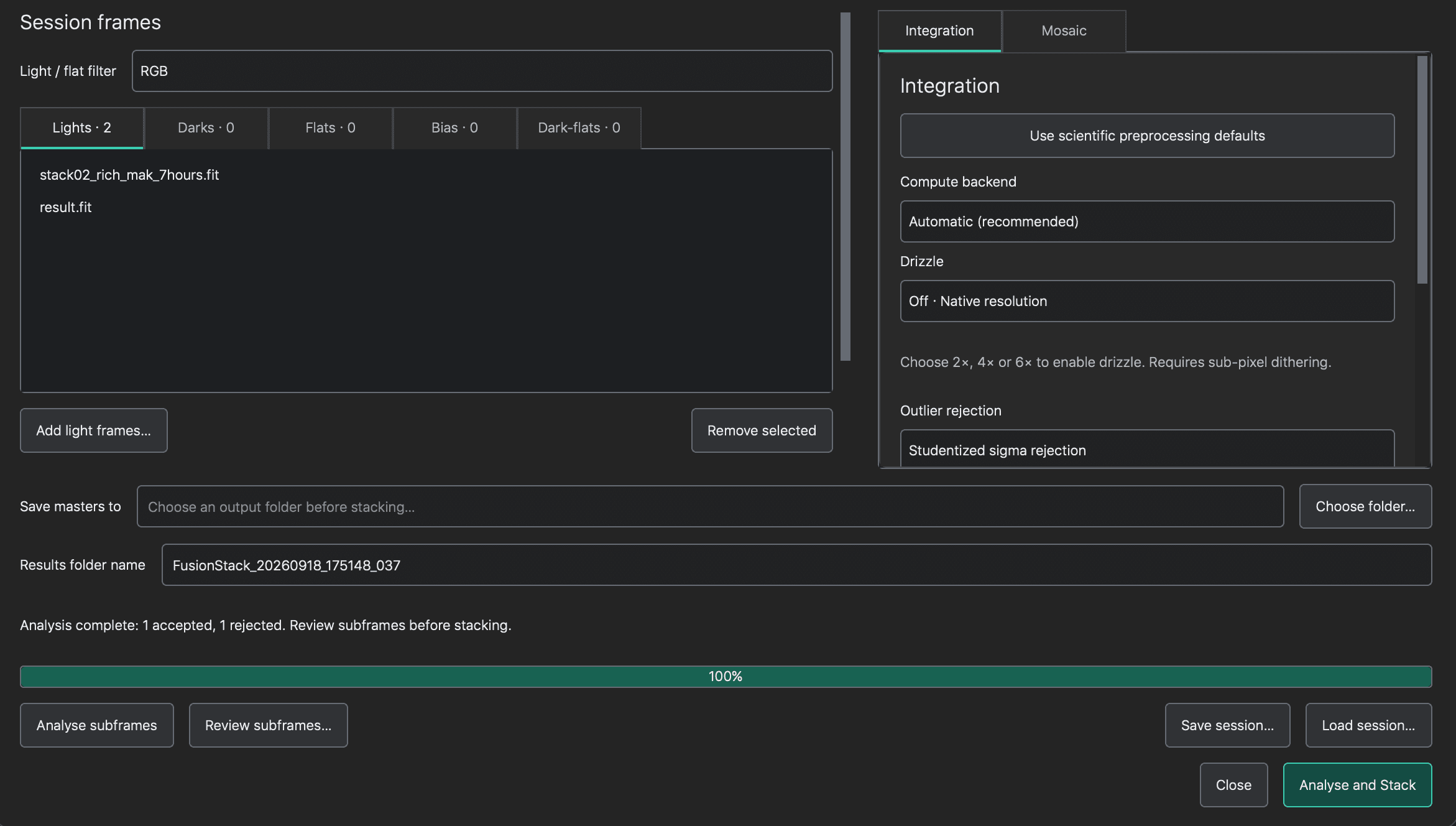
All filters share one planned canvas, origin and sampling. Every matchable overlap contributes to global geometry optimisation while the selected reference remains fixed.
Retain decoded frames and completed tiles, then resume a saved session after restarting Studio.
Choose the working-memory budget; large integrations stream data and stop cleanly when the plan cannot fit.
Save Float64 linear masters, coverage and rejection maps, mosaic geometry and a versioned processing manifest.
No scripts to move, no environments to maintain. Professional neural models* become native tools inside the same workspace and run locally through the integrated inference engine.
A clean structural split for independent stellar and deep-sky processing.
Adaptive restoration profiles from Essential to workstation-grade Max.
Recover compact structure and correct optical softness through local inference.
Model-assisted background correction for complex wide-field illumination.
* Pro neural models are paid, optional add-ons. They are not required to use SyQon Studio.
Bias, dark and flat masters, cosmetic correction and camera-aware preprocessing.
Quality analysis, robust alignment, rejection, drizzle and resumable integration.
Local astrometry, Gaia XP colour calibration and WCS-aware tools.
Neural separation, deconvolution, denoising and multiscale structure control.
Layered colour work, display transforms and faithful scientific or presentation exports.
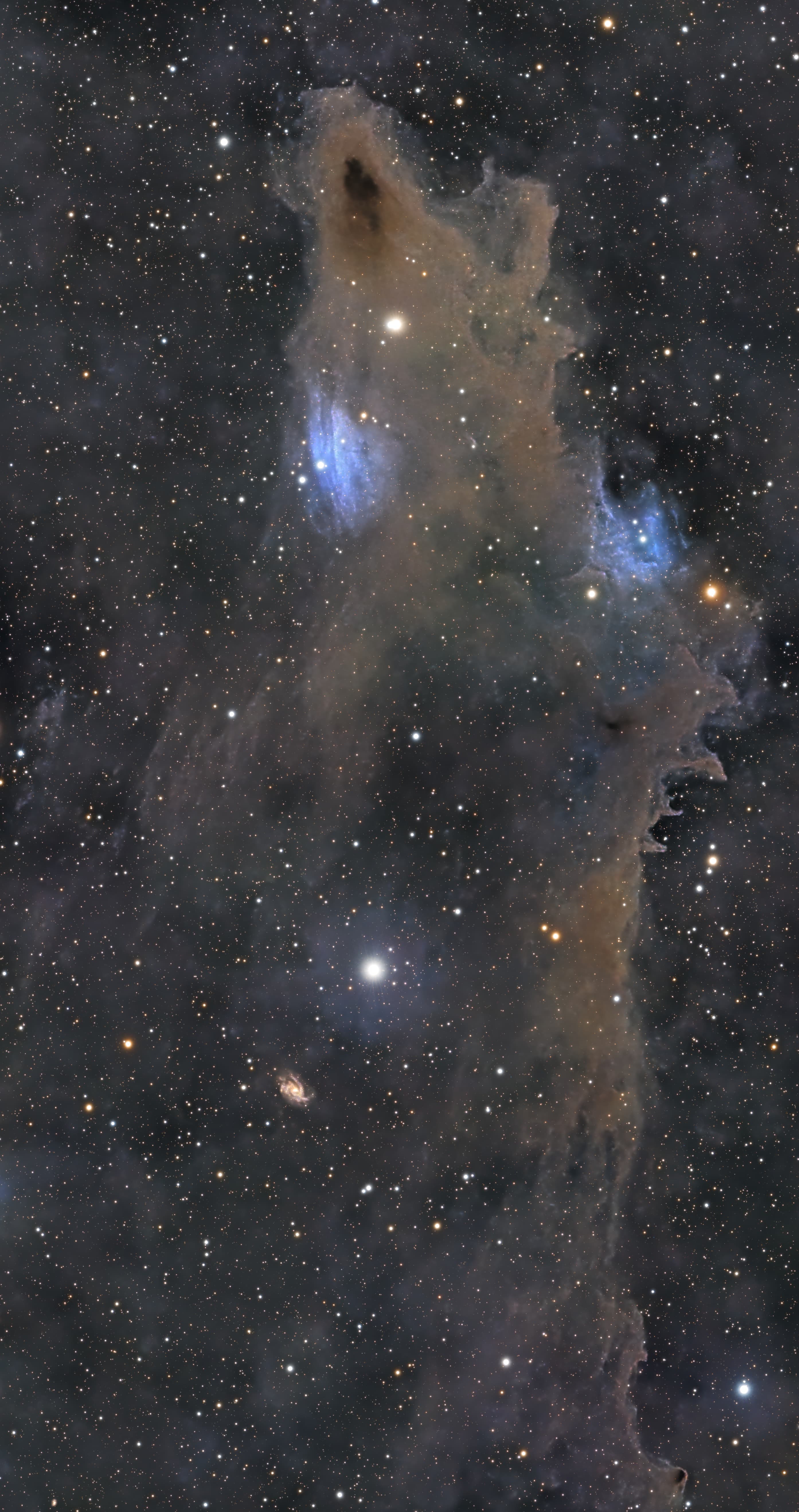
Studio treats astrometry, spectral references, acquisition provenance and image geometry as part of the image—not as disposable setup steps.
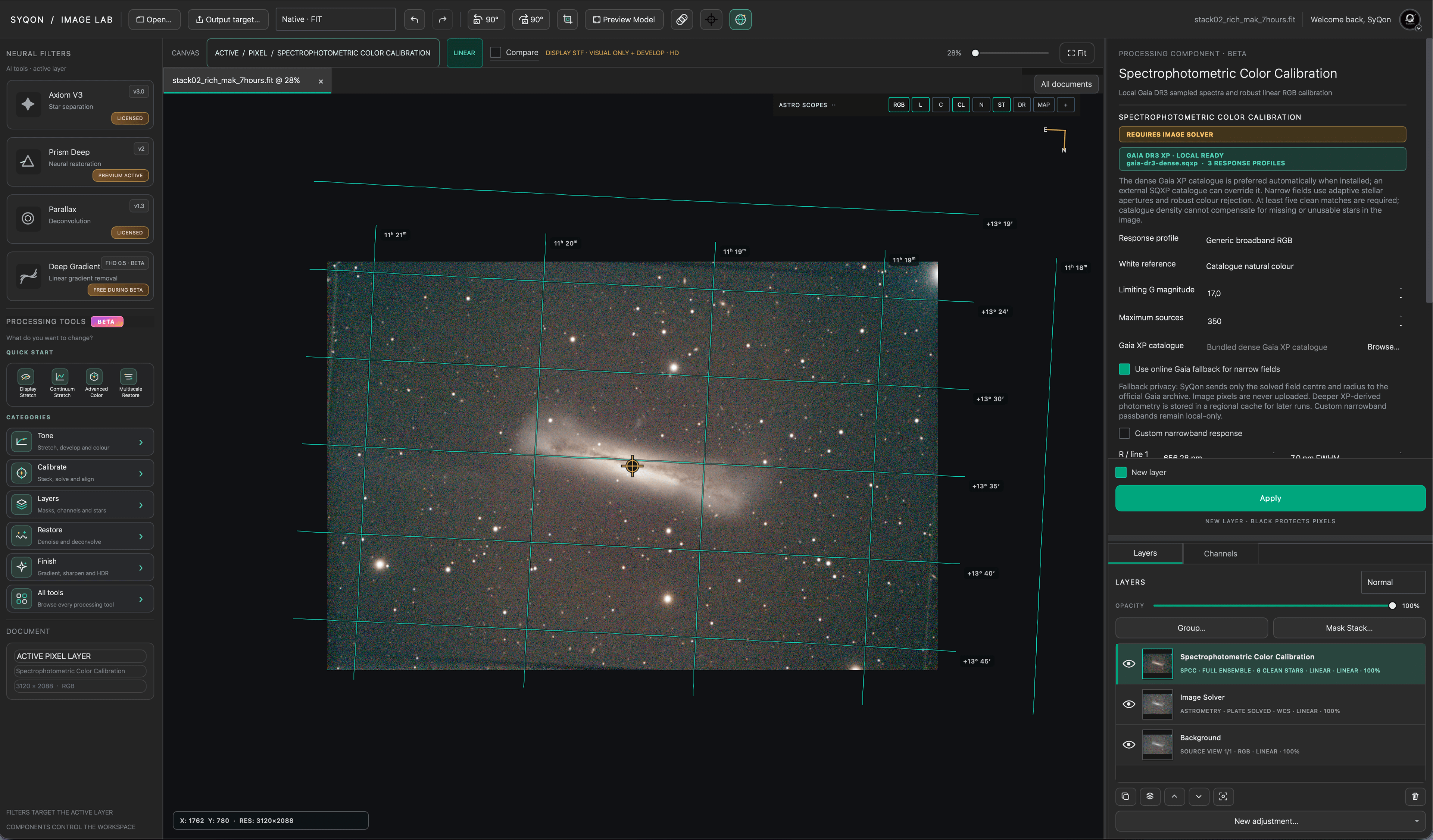
Gaia and ASTAP resources are securely managed outside the application, updated only when their identity changes.
Stacking manifests retain accepted frames, rejection, gains, transforms, residuals and processing settings.
Coverage, NaN regions, WCS and common mosaic coordinates remain explicit throughout the workflow.
Studio is designed for visual clarity without hiding the engineering: precision buffers, deterministic processing, hardware-aware inference and recoverable project state.
A compact signed application carries the native engine. Large models and astronomical catalogues are delivered separately, verified, and maintained without bloating every software update.
Studio selects the strongest compatible local execution path while retaining a dependable CPU fallback.
Only products attached to the signed-in SyQon account are offered and unlocked.
Unchanged models and support data remain in place; only new or modified components are downloaded.
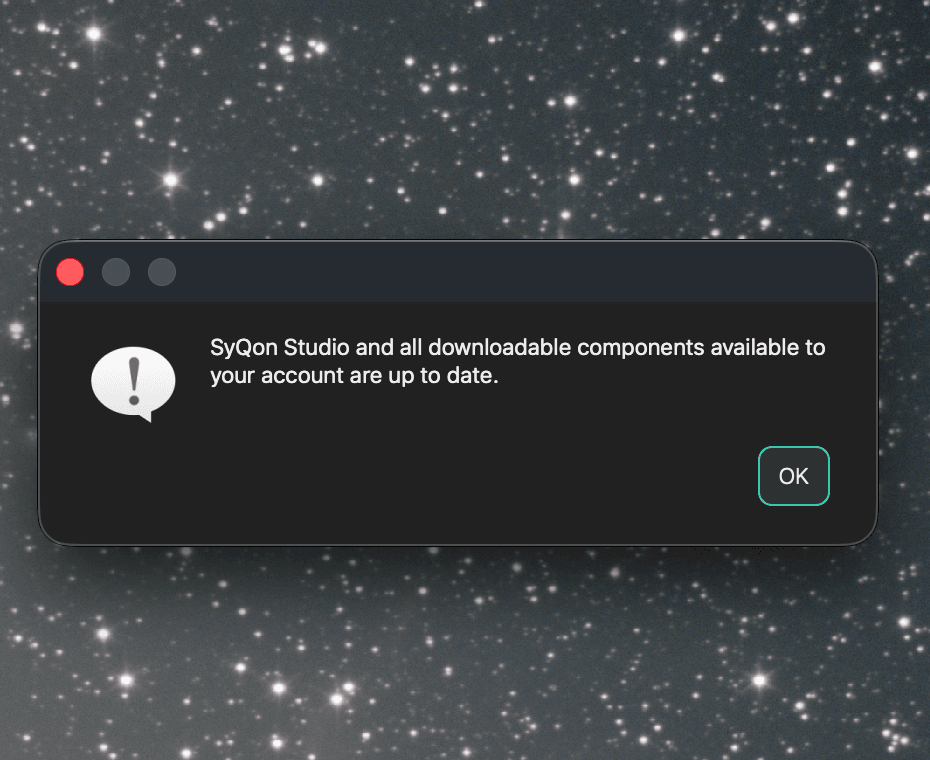
Sign in once, and Studio prepares the tools available to your account. New models, catalogue revisions and application releases arrive through the same controlled update path.
Neural inference and image processing happen on your workstation—not in a remote image-processing cloud.
Your SyQon account unlocks products and receives updates. It does not need your source pixels to run a model.
Product improvement uses bounded technical usage statistics, not photographs, file paths or model input and output content.
Native performance, local intelligence and a workflow designed around the way astrophotographers actually think.