Plugins & scripts
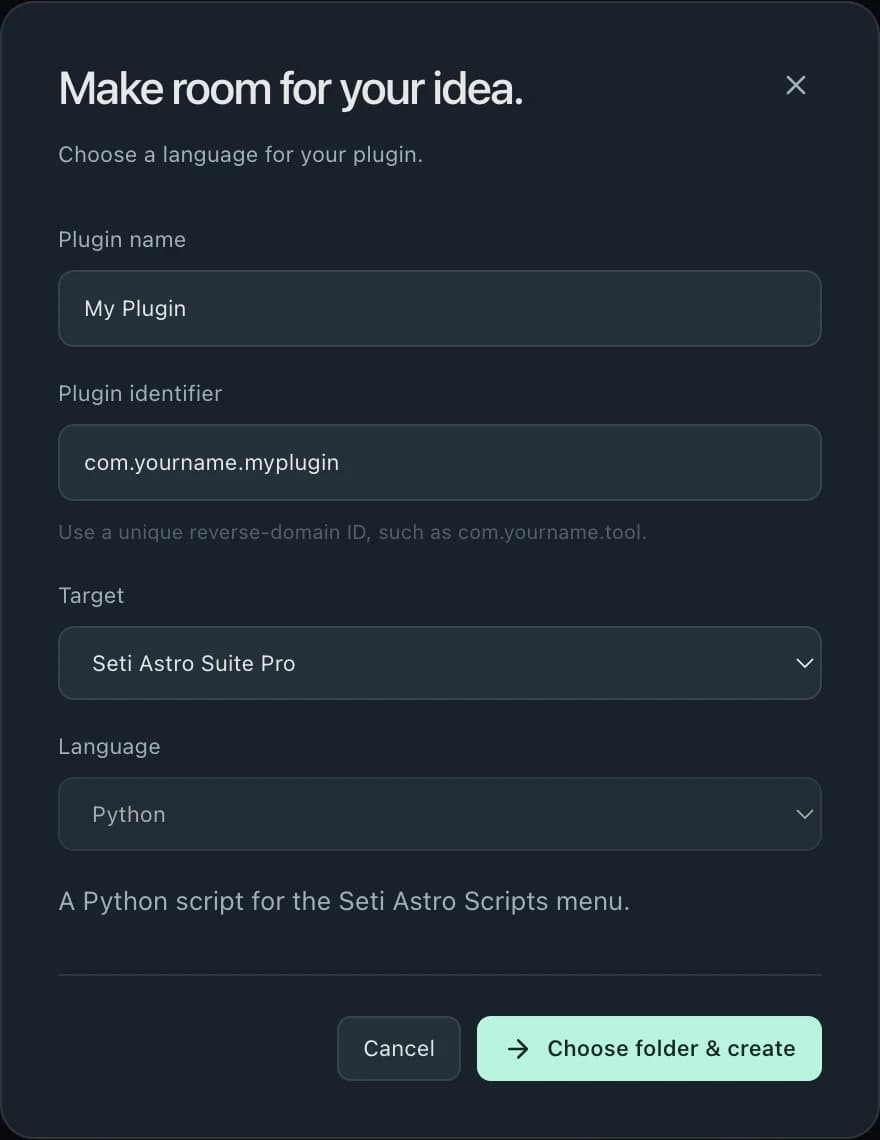
Choose either native target: a plugin for SyQon Studio or a Python script for the Scripts menu in Seti Astro Suite Pro.
SyQon / Vega
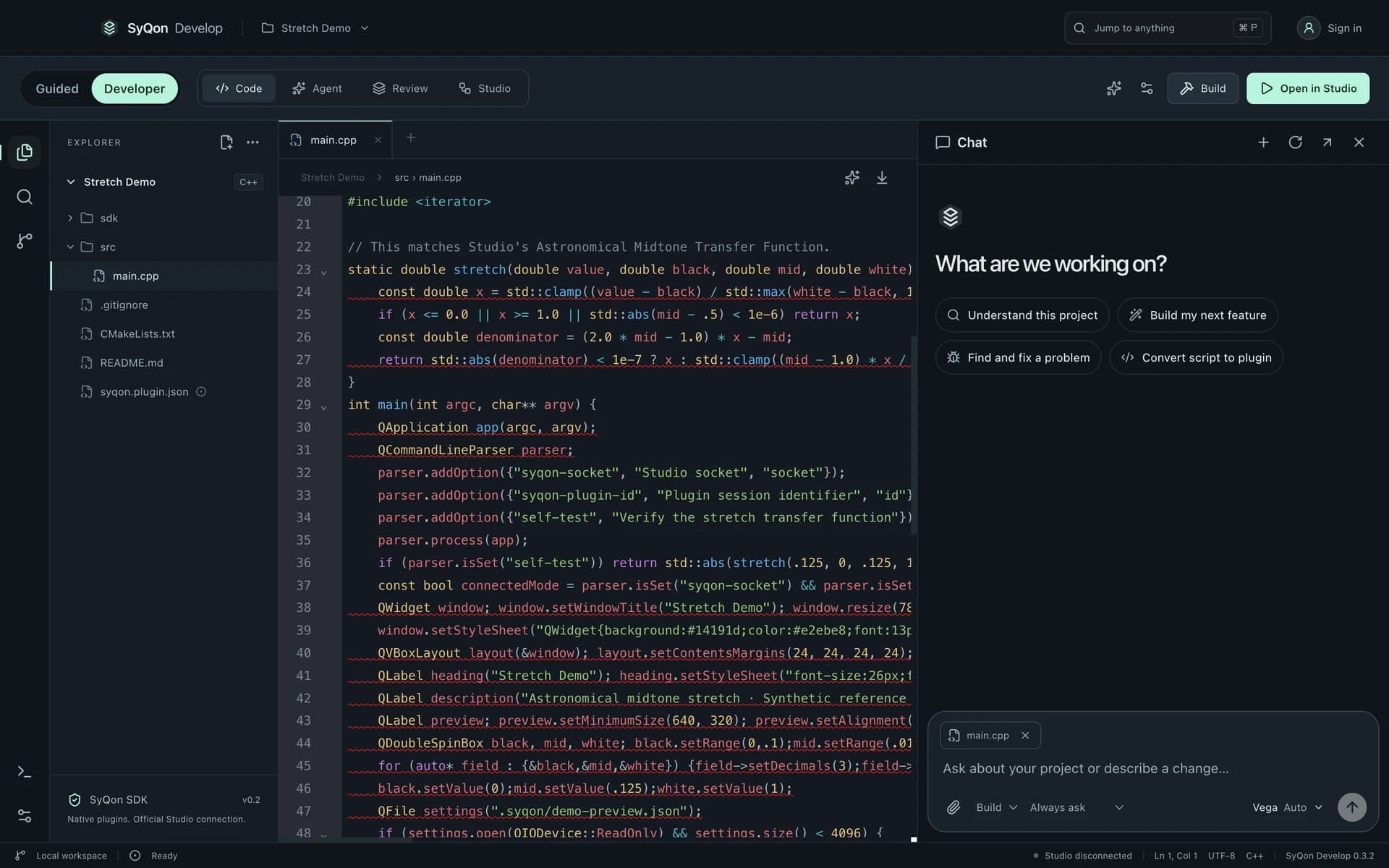
Describe the tool you need. Vega can build it for you or work on the exposure open in your editor. If you code, you can also build everything yourself.
From November 30, 2026 · Invitation only
Vega / 100% no-code
With Vega the workflow is 100% no-code. Describe a plugin, script or scientific application, try what Vega builds and ask for changes in chat. Prefer to program? Open the editor and do it all without Vega.
“I’d like to pick a row in my photo and see where it gets brighter. Can you build me a tool for that?”
Choose a row of the photograph. The plot reads its pixels from left to right, with peaks at the brightest points. In your project you can ask Vega for another change, such as adding a vertical profile.
Vega / MCP
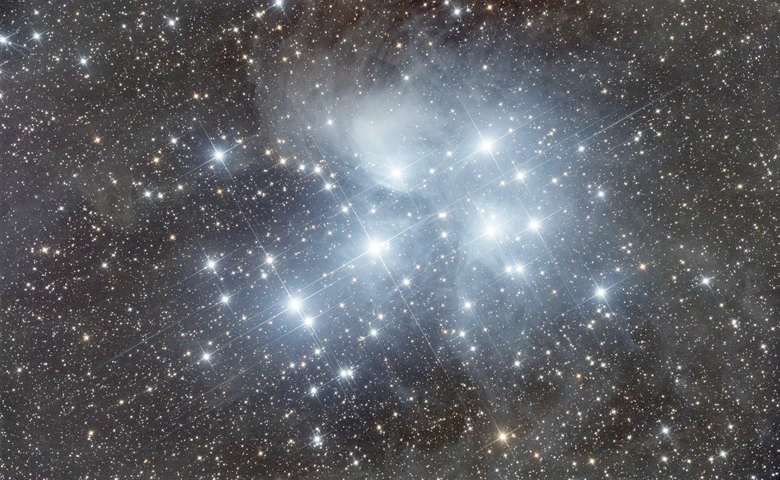
Open your data in SyQon Studio or Seti Astro and describe the result you want. Through MCP, Vega can handle the entire workflow: inspect the document, choose the tools available in the editor, apply them in sequence and take the image through export. Hand over the whole job or step in along the way. Traditional processing operations act on the captured pixels.
“Process this exposure of the Pleiades. Bring out the blue nebulosity, keep the background neutral and preserve separation between the brightest stars.”
Choose either native target: a plugin for SyQon Studio or a Python script for the Scripts menu in Seti Astro Suite Pro.
Build a standalone application to analyze measurements, compare exposures or automate an astrophotography workflow.
Turn results into interactive charts, intensity profiles and data visualizations with HTML, CSS and JavaScript.
Studio Develop / IDE
Vega is optional. Create the project, edit sources, read diagnostics, compile and run tests independently. To build the same brightness profile, you decide how to read the samples and calculate each point on the plot.
SDK / C++17
client.request("host.api");
client.request("documents.active");
client.request("images.info");
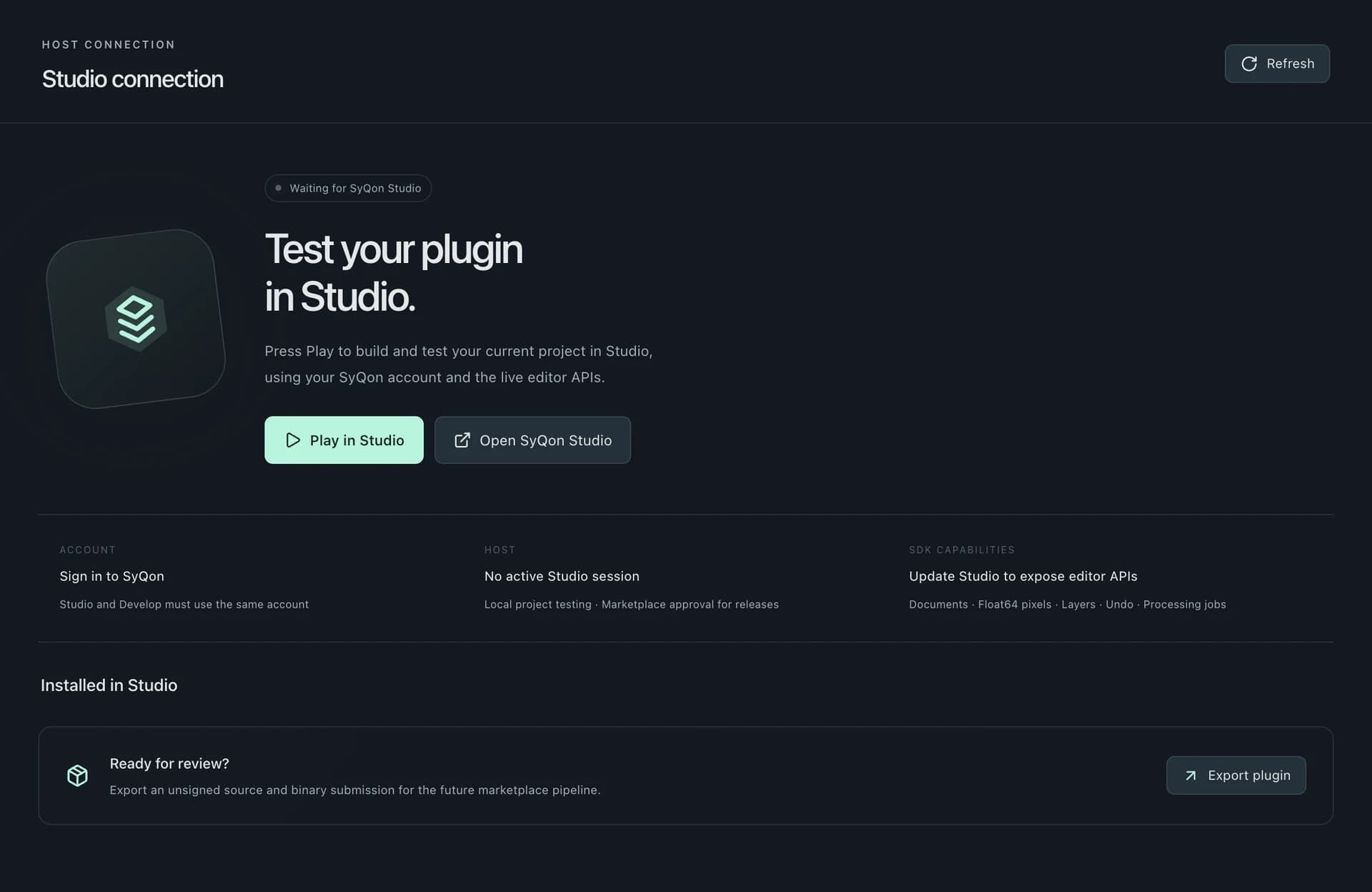
Play in Studio tests your plugin in the connected development build. For Seti Astro, choose the native Python target and open the script from its Scripts menu.
Build C++ plugins and use the SDK to access documents, layers, metadata and Float64 samples. The development session connects the editor to your project.
Select Seti Astro Suite Pro as a native target. Develop prepares a Python script for the Seti Astro Scripts menu, placing the tool in your processing workflow.
Siril support is planned after launch. The initial invitation release includes SyQon Studio and Seti Astro.
Vega × Studio SDK
A general coding assistant such as Claude or Codex can help write the code. Here the SyQon SDK, compiler and editor are already connected. Vega can discover the methods available, read build errors and, with your permission, inspect the result in Studio. Each edit leaves a checkpoint you can return to.
Studio Develop
Studio Develop opens by invitation on November 30, 2026. A subscription gives you access to Vega and the external computing clusters it runs on. Leave your name and email to join the interest list.